I use my voice mostly to talk to AI
Wispr Flow showed me where my dictation actually goes. 95 percent of it is AI prompts, not messages to people. Notes on what that number means.
Wispr Flow, the dictation tool I use all day, showed me a report on how I actually use it. I expected the usual vanity numbers. Words dictated, time saved. What I got was a quiet gut punch.
Ninety-five percent of everything I say into my computer goes to an AI.
Not to friends. Not to colleagues. Not into documents. To a machine, in the form of prompts. The report breaks down where my voice goes, what I sound like to the software, and when I talk the most. Here is what it told me.
Where my voice goes
The desktop breakdown is lopsided in a way I did not predict.
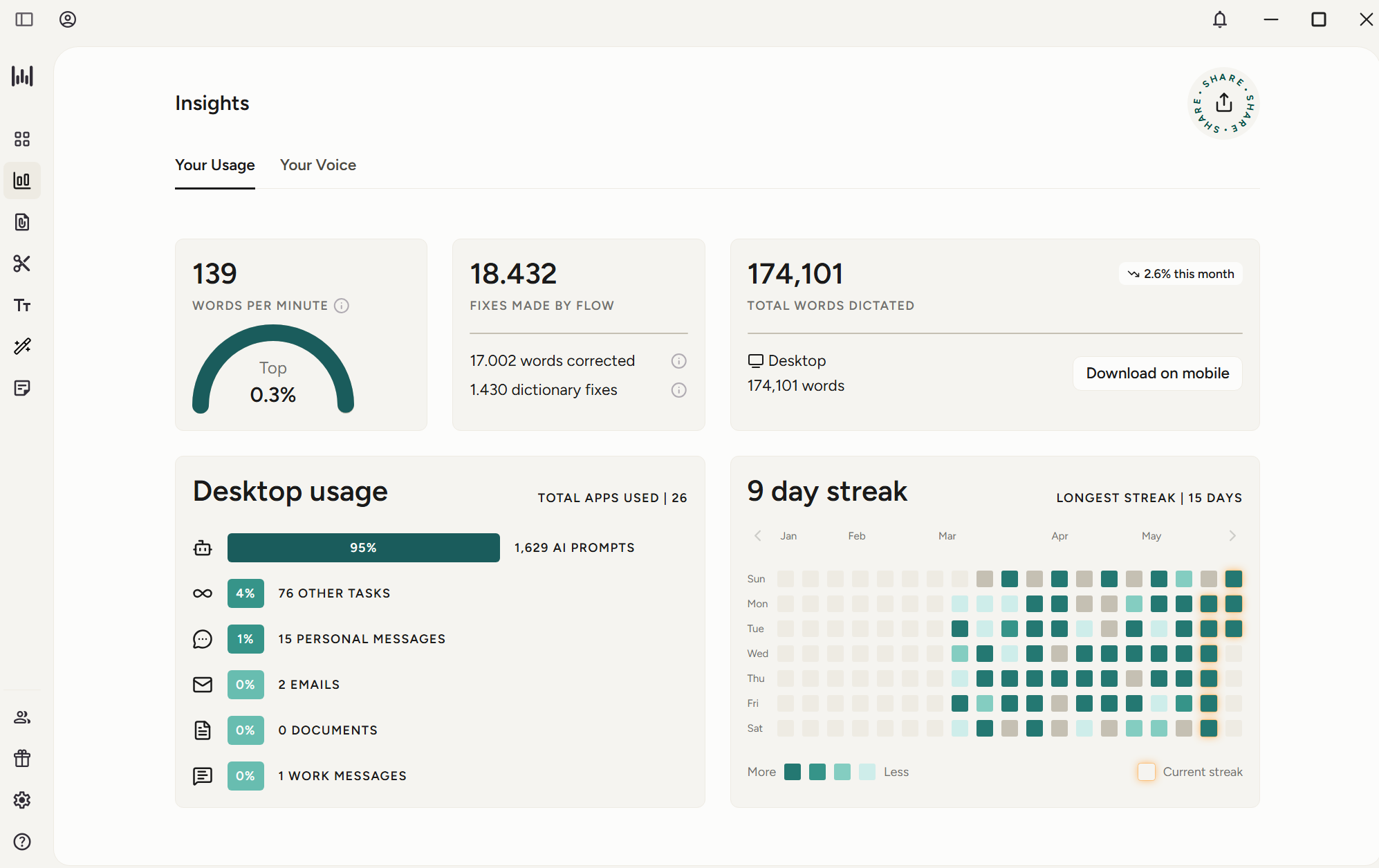
Out of everything I dictated, 1,629 entries were AI prompts. That is 95 percent. The next category, other tasks, is 4 percent. Personal messages are 1 percent, fifteen of them. Emails, two. Work messages, one. Documents, zero.
I dictated 174,101 words in total, across 26 different apps. The concentration is the story. I am not spreading my voice across my life. I am pointing almost all of it at one kind of target: a prompt box.
The number that should bother me is fifteen personal messages against sixteen hundred prompts. By voice, at least, I talk to software a hundred times more than I talk to people. The tool that was sold to me as a faster way to write to humans has quietly become a faster way to instruct a machine.
What the machine thinks I am
The second tab profiles your voice. Mine got a name.
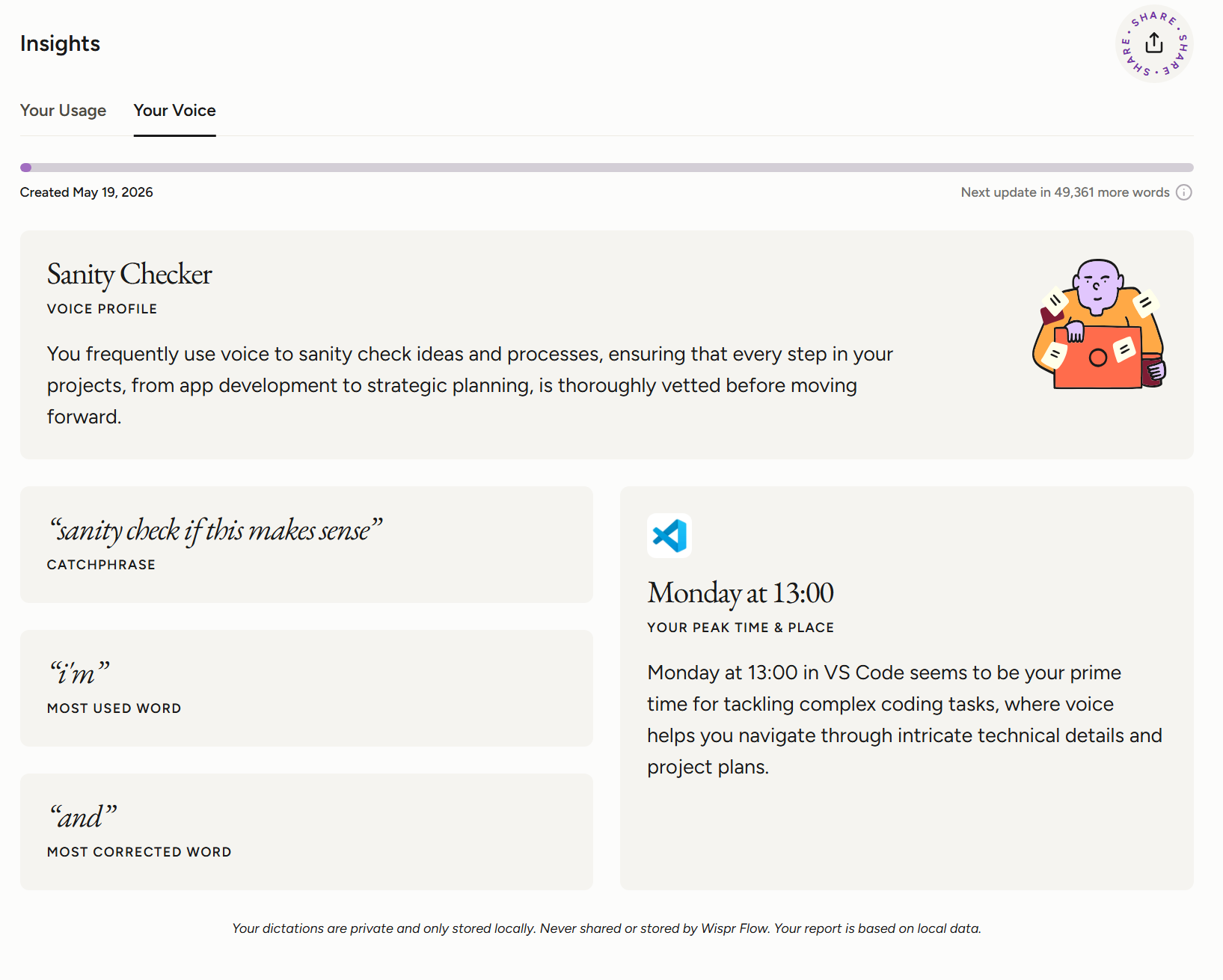
Sanity Checker. The description: I frequently use voice to sanity check ideas and processes, making sure every step, from app development to strategic planning, is vetted before moving forward. My catchphrase, pulled from my own dictations: “sanity check if this makes sense.”
That is exactly what I say, dozens of times a day. I open a session, dump a plan, and ask the agent to tell me where it breaks before I commit to it.
My most-used word is “i’m.” My most-corrected word is “and.” Both ring true. I narrate what I am doing while I do it, and I run sentences together faster than the model can punctuate them. It is an unsettlingly accurate portrait. The software has been listening, and it built a fair likeness.
Why I talk instead of type
The reason is speed, and the speed is real.
The report clocks me at 139 words per minute, top 0.3 percent. I do not type that fast. Almost no one does. When the input method is four times quicker than the keyboard, the keyboard stops being the default.
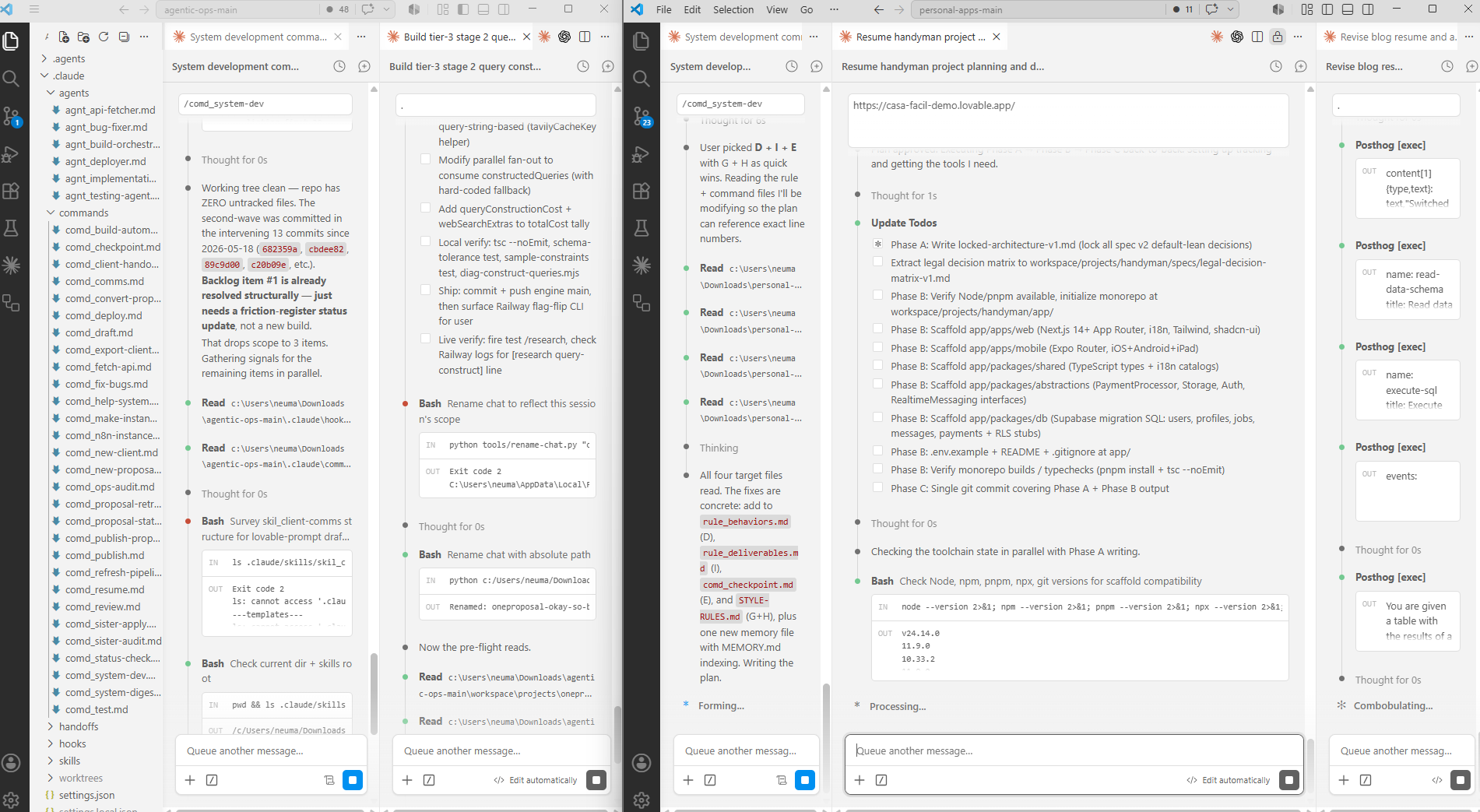
My peak time is Monday at 13:00, in VS Code. That is not a coincidence. VS Code is where the agent lives, and Monday at one is when I load the week’s work into it. Voice is the fastest way to get a messy, half-formed plan out of my head and in front of something that can act on it.
This is the missing half of how my agentic system actually works. The wrapper, the rules, the memory, all of it assumes a high-bandwidth way to talk to the agent. Voice is that channel. I am not writing prompts. I am thinking out loud at a process with hands.
What the number means
So the report is a mirror, and the reflection is clear. The main thing I do with my voice now is brief a machine.
I am not sure how I feel about fifteen personal messages. That number is a nudge, and I am taking it as one. But the ninety-five percent does not read as a problem to me. It reads as a shift. The interface to my work used to be a keyboard pointed at files. Now it is a microphone pointed at an agent.
If that is where this goes for everyone, the people who learn to talk to the machine well will have a real edge. I am practicing every day, apparently. Top 0.3 percent.
The dictation tool is Wispr Flow. If you want to try talking to your agents instead of typing, that is the one in every screenshot here.
Comments
Loading comments…